Why does login fail when I type my Bangladeshi 017 mobile number?
Many login boxes pre-fill the +880 country code automatically, meaning typing 017 produces +880017 (invalid). Enter just 17XXXXXXXX without the leading zero.
Roughly 65% of live-support login lockouts reported by Bangladeshi players stem not from hacked accounts, but from typos switching between +880 prefixes and leading zeros ('017...' vs '17...') or typing wrong domain mirrors saved from outdated Facebook ads.
Clicking straight into evening BPL matches or claimable cashback tabs feels effortless when credentials save securely—yet getting locked out for fifteen minutes after entering three mismatched passwords spikes instant panic whenever live cricket odds shift fast. Worse still, typing 'vip taka login' blindly into search ads frequently lands users onto sneaky clone phishing pages copying official button colors.
Establishing strict clean bookmark habits, knowing exact +880 phone formatting norms, and toggling two-factor login locks keeps every Taka deposited via bKash or Nagad strictly under your personal thumb.
Walk through official desktop/mobile sign-in formatting, fast password-reset fixes, and anti-phishing checks below.
Keep every sign-in clean and repeatable across browsers and mobile shortcuts:
Scan this diagnostic checklist before jamming Submit a fifth time and triggering temporary 15-minute brute-force cooldowns:
| Login Error Symptom | Most Likely Root Cause | Immediate Clean Fix |
|---|---|---|
| 'Invalid Username / Password' | Trailing space added after mobile keyboard autofill | Delete final space after last letter carefully |
| 'Mobile Number Format Invalid' | Typed both +880 AND leading 0 (e.g. +880017...) | Drop the 0 cleanly if +880 prefix displays automatically |
| 'Verification OTP Delayed (GP/Robi)' | Evening SMS gateway congestion or DND block | Wait 60s before re-requesting; never spam 5 OTP buttons |
| 'Session Expired / Blank Dashboard' | Stale cookie left across browser upgrade | Clear single-site cookies/cache cleanly & reload |
| 'Account Locked — Support Contact' | Five consecutive wrong password tries or shared IP alert | Verify identity calmly via official live chat support |
Check four instant visual red flags immediately before keying passwords into any web link:
http:// links lacking green/grey security padlocks.If your platform account dashboard offers SMS OTP on New Device Login or Google Authenticator TOTP pairing, toggle it ON immediately. Even if someone intercepts an outdated password, new-device access remains blocked cold without your physical phone.
Keep account usage strictly personal across your own mobile handset and trusted home Wi-Fi cleanly. Have friends create their own independent verified profiles following our Registration Guide instead of borrowing logins for cricket tips.
Avoid asking random Telegram 'unlocking agents' for manual password overrides! Official self-service SMS/email resets process automatically in under two minutes while protecting full payout integrity.
Disabling browser auto-login reminders or logging out firmly at midnight forces a cool pause before mindless re-entry during emotional sleep hours. Use intentional login friction cleanly as self-care.
Independent, confidential counselling and blocking tools are available free of charge via GamCare Support, GambleAware Guidance, and Gamblers Anonymous. Review full self-limit procedures in our Bangladesh Responsible Gambling Guide.
Many login boxes pre-fill the +880 country code automatically, meaning typing 017 produces +880017 (invalid). Enter just 17XXXXXXXX without the leading zero.
Click the 'Forgot Password' button directly inside the official login modal, enter your registered +880 mobile number or email, confirm the fresh OTP code, and set a brand-new unique password.
Dhaka carrier gateways occasionally pause 30–60 seconds during heavy evening peak traffic; wait one full minute before tapping Resend and confirm mobile network signal stability.
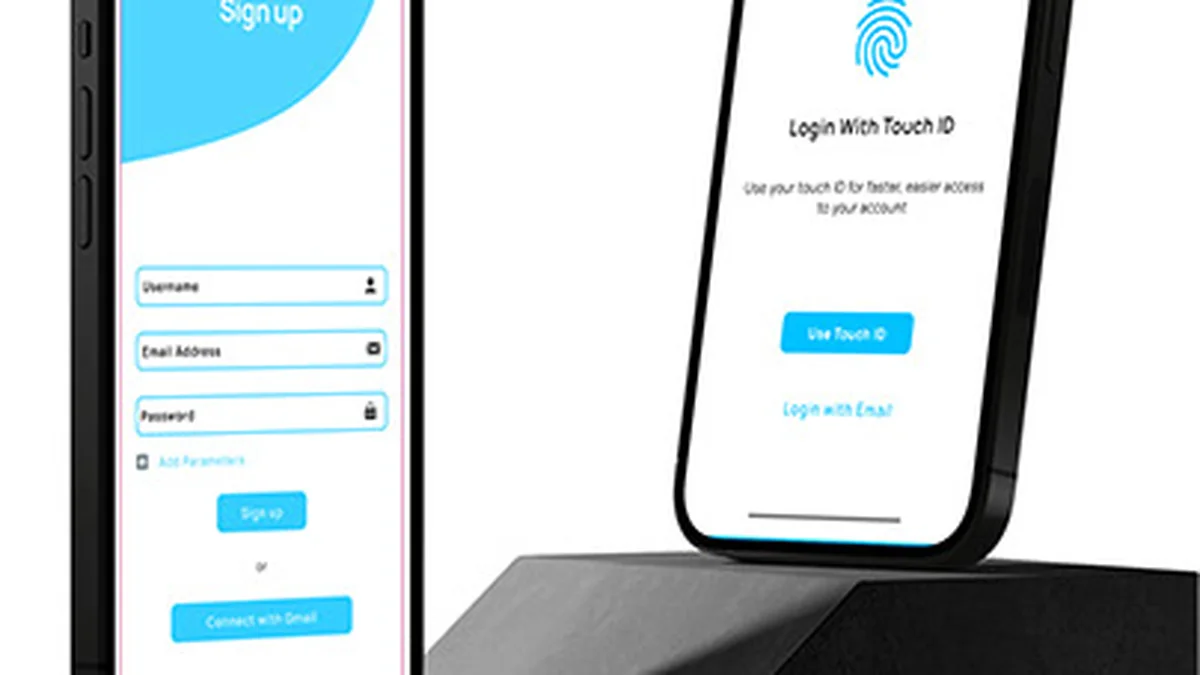
Yes. Both our official mobile PWA on iOS/Android Keychain and compatible APK browsers permit secure fingerprint or FaceID credential autofill.
No! Never share login passwords or verification OTP codes with third-party agents or Telegram admins—use official encrypted customer support channels only.
Open a verified +880 wallet from 100 BDT via bKash or Nagad. Sign in safely anytime through our official portal (18+ only).